Why Good Audio Quality Matters for Writers and Digital Content Creators
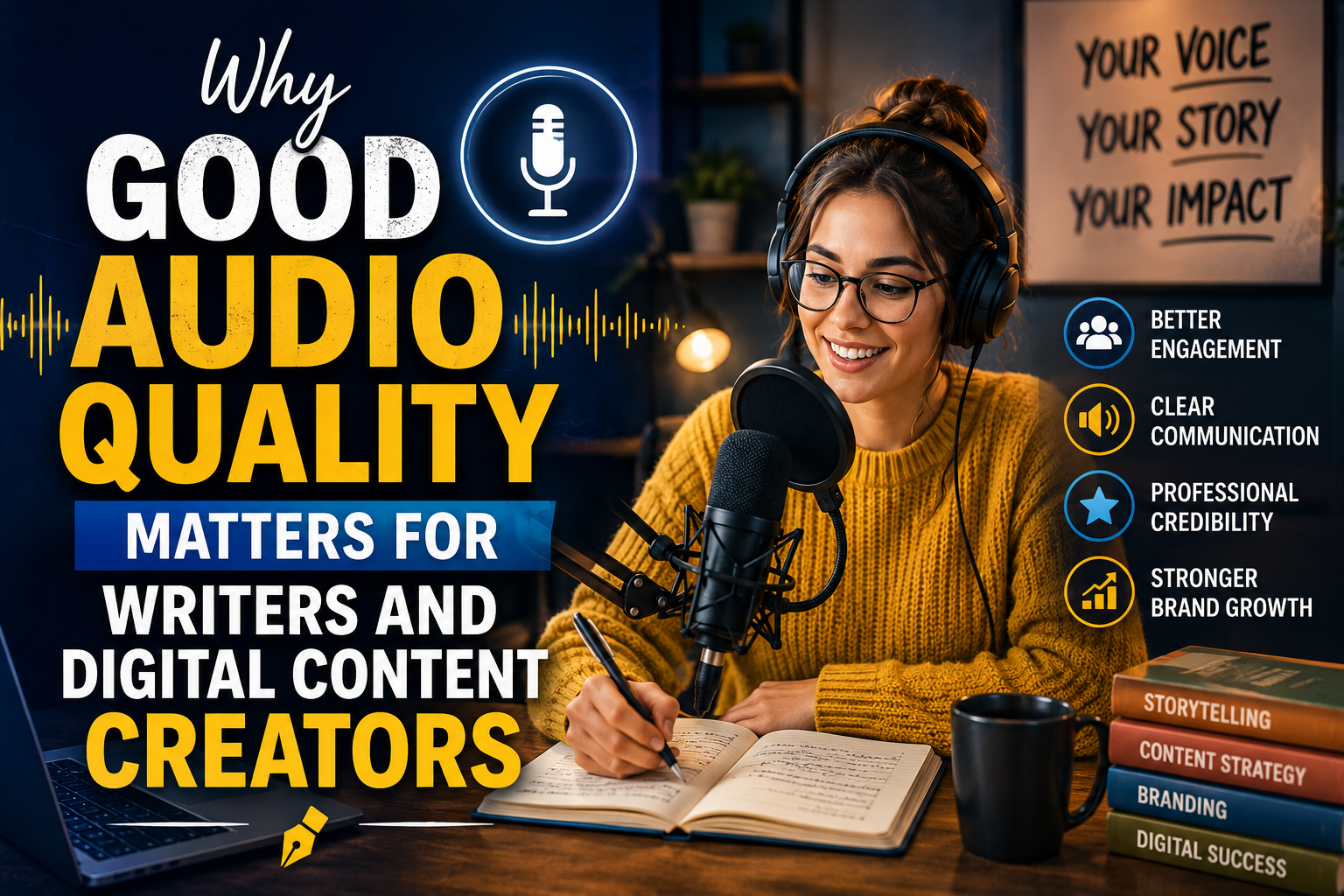
Digital content creation has become an important part of modern publishing. Bloggers, freelance writers, podcasters, and online publishers use different tools to create and share information with audiences around the world. While writing quality, research, and presentation are essential, audio technology also plays an important role in the content creation process.
Many creators use smartphones, laptops, headphones, and external speakers throughout their daily work. They listen to research materials, record voice notes, attend online meetings, edit videos, and publish multimedia content. Having properly functioning audio equipment makes these activities easier and more productive.
However, audio devices can sometimes develop problems that affect their performance. Understanding basic speaker maintenance and troubleshooting can help creators avoid unnecessary interruptions.
The Growing Importance of Audio in Digital Publishing
Digital publishing is no longer limited to written articles and traditional blog posts. Modern publishers increasingly work with podcasts, video content, recorded interviews, online courses, and other multimedia formats.
Audio allows creators to communicate information in different ways. For example, a blogger may record an article as an audio version, while a digital publisher may produce interviews with industry professionals.
Clear sound helps audiences understand spoken information without unnecessary distractions. Poor audio quality, on the other hand, can make recordings difficult to follow and reduce the overall quality of published content.
Common Audio Problems Content Creators Experience
People who regularly use digital devices may encounter several audio-related problems.
Some common examples include:
- Muffled sound: Audio becomes unclear because of dust, moisture, or blocked speaker openings.
- Low volume: Speakers produce sound, but the output is quieter than expected.
- Crackling noises: Distorted or buzzing sounds appear during playback.
- Bluetooth interruptions: Wireless headphones or speakers disconnect unexpectedly.
- Missing audio: Applications or devices stop producing sound during playback.
Identifying the source of a problem is important before attempting any repair or cleaning process.
Why Smartphone Speaker Maintenance Is Important
Smartphones are among the most frequently used tools for digital creators. They are convenient for recording voice notes, capturing videos, managing social media accounts, and communicating with clients.
Because smartphones are carried throughout the day, their speaker openings can collect dust, lint, and other small particles. Accidental exposure to water or moisture may also affect sound quality.
Regular device maintenance can help prevent avoidable problems.
Users should keep speaker openings clean, protect devices from unnecessary moisture, and avoid inserting sharp objects into speaker grills. These simple precautions can help maintain the condition of audio hardware.
Understanding Speaker Cleaning Technology
Modern speaker-cleaning tools use sound frequencies to create vibrations that may help dislodge small amounts of trapped water or loose debris from speaker openings.
These tools are particularly interesting for smartphone users who notice muffled sound after minor moisture exposure.
A browser-based speaker cleaner provides a convenient way to access sound-based cleaning functions without necessarily installing another application.
Such tools can be useful for minor contamination, although they cannot repair broken speaker components, damaged circuits, or serious water damage.
Users should always follow their device manufacturer’s instructions when dealing with moisture exposure.
How Content Creators Can Maintain Better Audio Quality
Maintaining good audio quality does not require complicated equipment or advanced technical knowledge. A few practical habits can make a difference.
1. Keep Devices Clean
Dust and lint can accumulate around smartphone speaker grills. Use a soft, dry brush to gently clean visible debris.
Avoid sharp tools, liquids, and excessive pressure because they can damage delicate components.
2. Check Audio Settings
Sometimes, audio problems are caused by incorrect device settings rather than physical damage.
Check media volume, application settings, Bluetooth connections, and selected audio output devices before assuming that a speaker needs repair.
3. Protect Devices From Moisture
Water exposure can affect smartphone speakers and other internal components.
If a device becomes wet, turn it off when appropriate, disconnect accessories, dry its exterior gently, and follow the manufacturer’s recommended moisture-handling instructions.
Avoid using hair dryers, heaters, or compressed air to force moisture out.
4. Use Suitable Recording Equipment
Content creators who regularly produce podcasts or video recordings should consider using suitable microphones and headphones.
Good recording equipment can improve voice clarity and make editing easier.
5. Test Audio Before Publishing
Before publishing a podcast, video, or recorded interview, listen to the complete audio file.
Check for background noise, volume inconsistencies, distortion, and interruptions. Testing audio before publication can prevent avoidable quality problems.
The Connection Between Audio Quality and Productivity
Reliable audio equipment can make everyday digital tasks more convenient.
Writers often listen to interviews while preparing articles. Editors may review recorded discussions, while publishers use video and audio content to reach wider audiences.
When speakers or headphones do not work properly, these activities can become frustrating.
Taking a few minutes to check audio connections and maintain devices can help reduce interruptions and support a more comfortable working environment.
When Should You Consider Professional Repair?
Not every speaker problem can be solved through cleaning or basic troubleshooting.
Physical damage, water inside internal components, damaged speaker membranes, and electrical faults may require professional attention.
If audio remains distorted after basic checks, consult a qualified technician rather than repeatedly increasing the volume or trying unverified repair methods.
Understanding the difference between minor contamination and hardware damage can help users choose an appropriate solution.
Conclusion
Digital publishing continues to expand beyond traditional written content. Podcasts, recorded interviews, videos, and other multimedia formats have become valuable communication tools for writers and content creators.
As people increasingly depend on smartphones and computers for their creative work, maintaining reliable audio equipment is becoming more important.
By keeping devices clean, protecting them from moisture, checking audio settings, and using suitable maintenance tools, creators can enjoy a better digital experience.
Good audio quality may seem like a small detail, but it can make everyday content creation and publishing much more convenient.